Cinematic AI Prompts
Cinematic AI prompts transform your ordinary photos into dramatic, movie-quality portraits — with studio lighting, depth of field, and the mood of a Hollywood film. These prompts work directly in ChatGPT and Gemini using your uploaded photo.
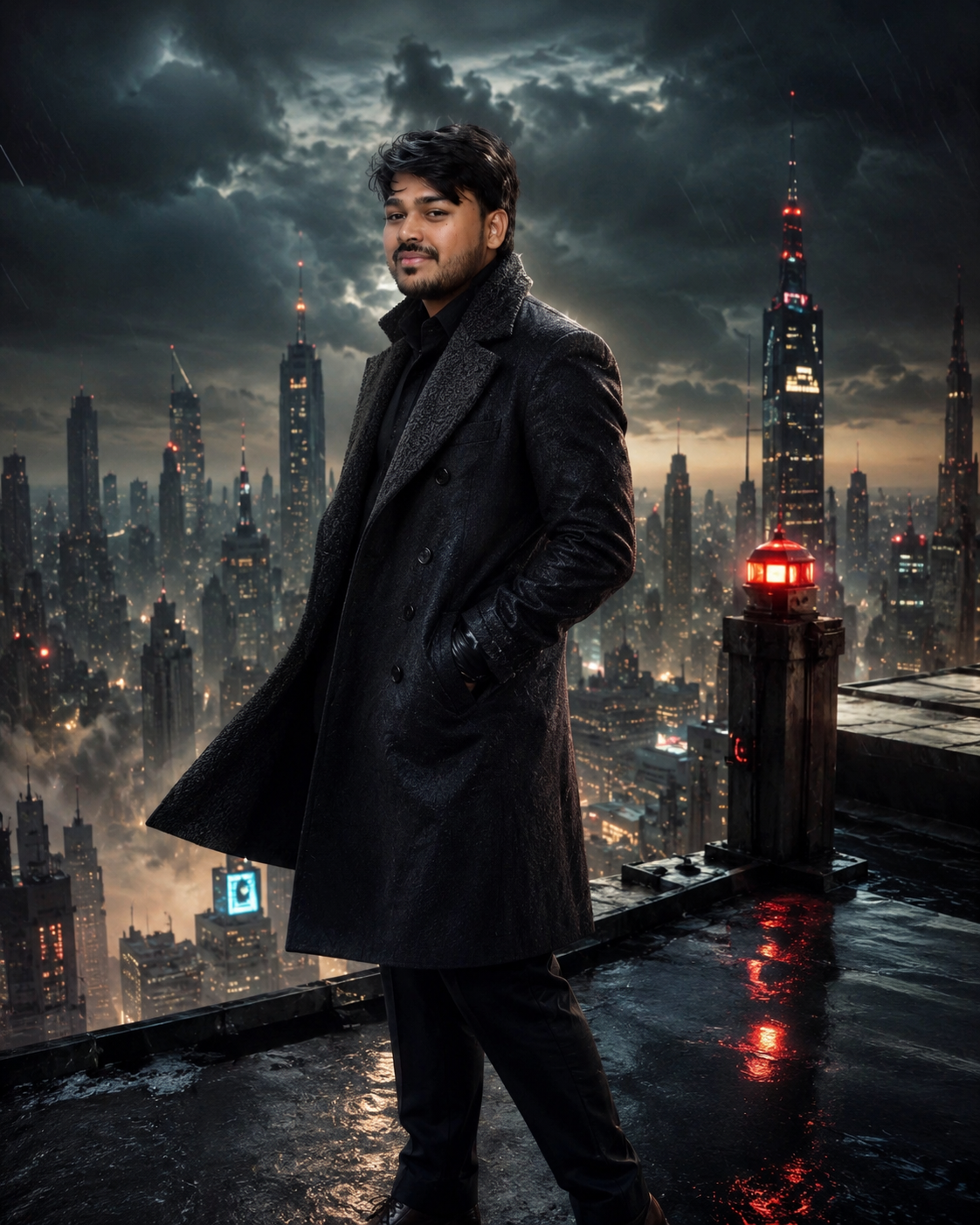
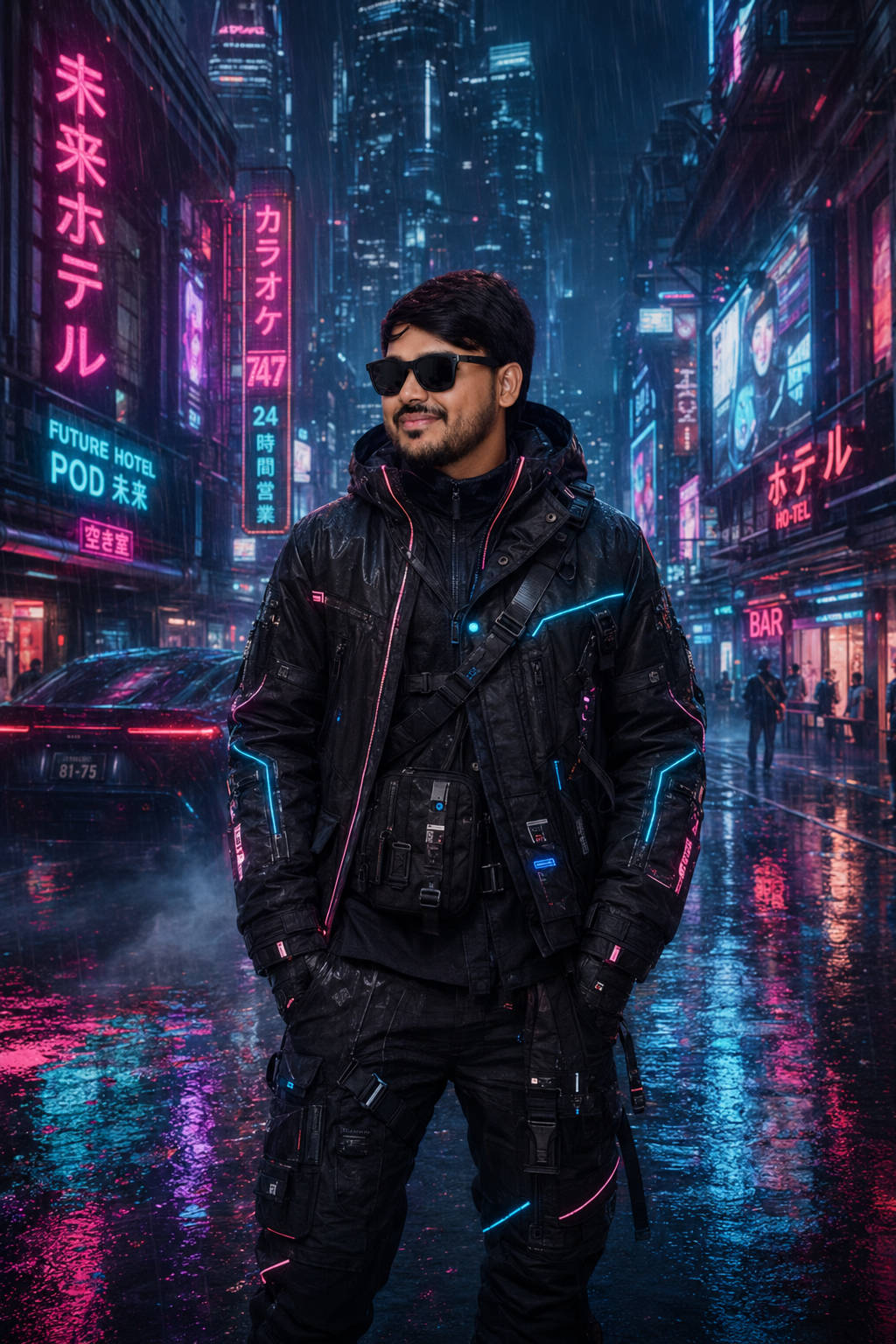
What is a Cinematic AI Prompt?
A cinematic AI prompt is a set of instructions you paste into ChatGPT or Gemini alongside your photo. It tells the AI to apply film-grade colour grading, dramatic lighting, and cinematic composition — turning a simple selfie into a scene that looks like it was shot on a professional movie set.
How to Use CinematicPrompts with ChatGPT & Gemini
- 1Open ChatGPT (GPT-4o) or Gemini and start a new conversation.
- 2Click the image/attachment icon and upload a clear, well-lit photo of yourself.
- 3Copy any prompt from this page and paste it into the chat alongside your photo.
- 4Send and wait 15–30 seconds for the AI to generate your cinematic portrait.
- 5If you want a different mood, simply reply: "Make it darker and more dramatic" or "Add golden hour lighting".
Example Cinematic AI Prompt (Free to Copy)
Ready-to-use prompt — paste into ChatGPT or Gemini
Transform the person in this photo into a hyper-realistic cinematic portrait. Apply dramatic side lighting with deep shadows, a shallow depth of field with a blurred urban background at night, and a cool blue-teal colour grade. The subject should be wearing a dark jacket, looking slightly off-camera. Film grain overlay. Shot on an Arri Alexa. Maintain exact face, features, and identity.
Frequently Asked Questions — Cinematic AI Prompts
What is a cinematic AI prompt for ChatGPT?
A cinematic AI prompt is a detailed text instruction you give to ChatGPT (GPT-4o) along with your photo. It guides the AI to apply movie-style lighting, colour grading, and composition to your image — creating a portrait that looks like a film still.
Does cinematic AI prompt work on Gemini?
Yes. Google Gemini (1.5 Pro and Ultra) supports image editing with text prompts. Upload your photo and paste the cinematic prompt — Gemini often produces excellent results with natural skin tones and realistic lighting.
Is it free to use cinematic AI prompts?
The prompts on PromptVault are 100% free to copy and use. ChatGPT and Gemini offer free tiers that support image editing, so you can get cinematic AI photos at zero cost.
How do I get the best cinematic result?
Use a clear, front-facing photo with good lighting. Avoid blurry or dark source images. Add specific details to the prompt — mention the mood, setting, and lighting style you want for the best result.
Can I use cinematic AI photos on Instagram?
Yes. AI-generated images are widely shared on Instagram. Cinematic AI portraits perform exceptionally well due to their dramatic visual impact. Make sure your image resolution is high before posting.
Can't Find the Prompt
You Need?
We create free custom AI promptson request. Just follow us on Instagram or join our Telegram, send us your idea — what style, what look, what tool — and we'll craft a prompt made exactly for you. 100% free. Always.