Headshot AI Prompts
AI headshot prompts create studio-quality professional portraits from your everyday photos using ChatGPT and Gemini. Perfect for LinkedIn, job applications, business profiles, and social media — no photographer, no studio, no expensive shoot required.
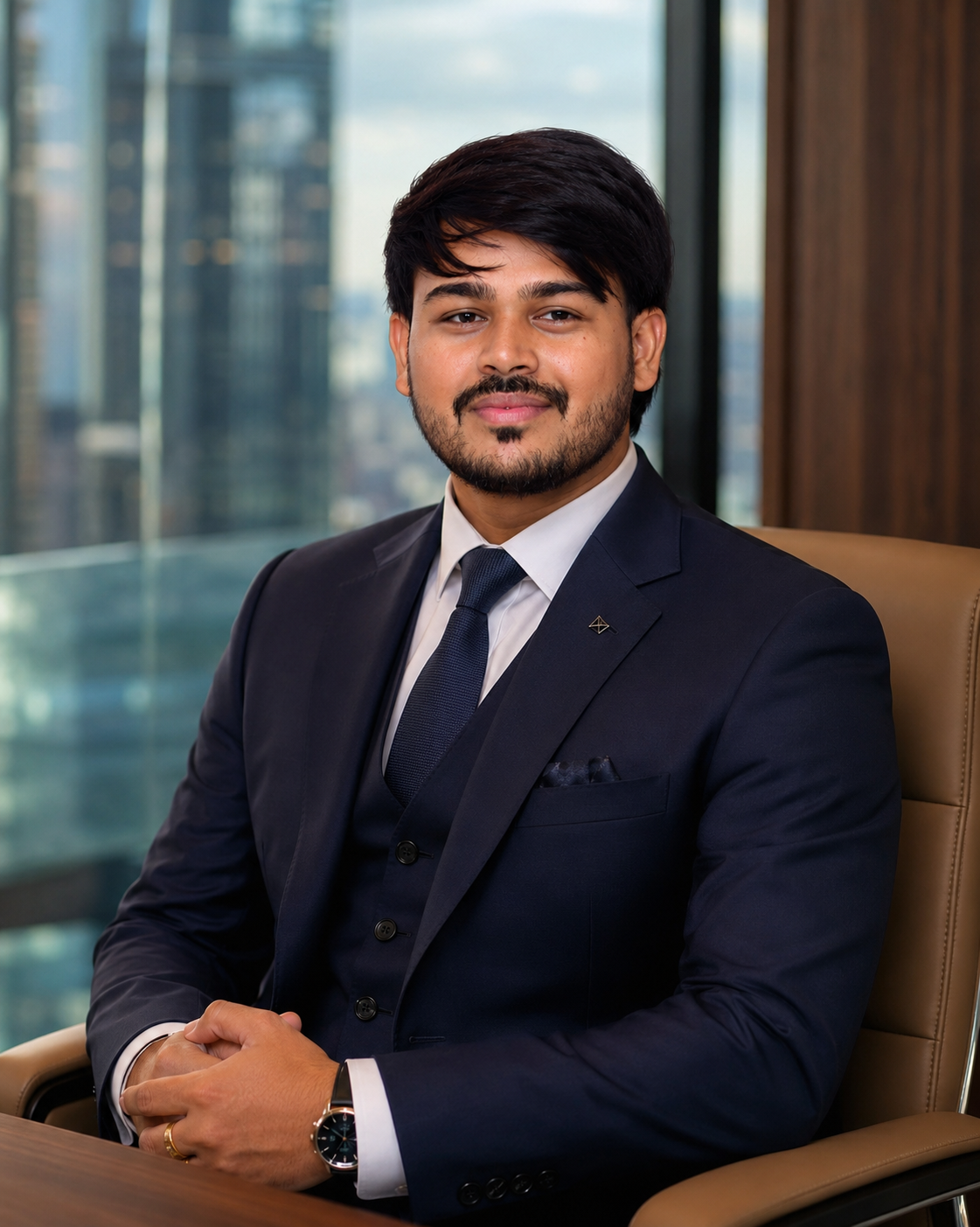
What is a Headshot AI Prompt?
An AI headshot prompt tells ChatGPT or Gemini to transform your casual photo into a professional studio headshot — with clean backgrounds, flattering studio lighting, business-appropriate attire rendering, and the polished quality of a professional photographer's work.
How to Use HeadshotPrompts with ChatGPT & Gemini
- 1Upload a clear photo of your face to ChatGPT GPT-4o or Google Gemini.
- 2Choose a headshot prompt from PromptVault.
- 3Paste the prompt with your photo and send.
- 4The AI generates a professional studio-quality headshot.
- 5Specify: "Use a white background" or "Formal business suit" or "Soft natural light" to customize.
Example Headshot AI Prompt (Free to Copy)
Ready-to-use prompt — paste into ChatGPT or Gemini
Transform this photo into a professional studio headshot. Apply soft, even studio lighting — key light from the left, subtle fill from the right, and a clean white or light grey background. The subject should appear in professional business attire (formal shirt or blazer). Enhance skin clarity naturally, sharpen the eyes, and apply subtle colour correction for a polished, corporate-ready portrait. Suitable for LinkedIn, company website, and business cards.
Frequently Asked Questions — Headshot AI Prompts
Can ChatGPT generate a professional headshot from my photo?
Yes. ChatGPT GPT-4o can transform your casual photo into a professional studio headshot — with clean background, studio lighting, and business-appropriate styling. It's widely used for LinkedIn photos and company profiles.
Is AI headshot good for LinkedIn?
AI-generated headshots work very well for LinkedIn when done with the right prompt. A clean background, proper lighting, and professional framing are all achievable through ChatGPT and Gemini prompts.
What makes a good AI headshot prompt?
Specify the background colour (white, grey, gradient), lighting style (studio, natural, soft), outfit type (formal, business casual), and any corrections you want (skin clarity, eye sharpness). The more specific, the better.
Is it free to create an AI headshot?
Yes. PromptVault's headshot prompts are free. ChatGPT and Gemini both offer free plans where you can generate professional headshots from your photos at no cost.
How is AI headshot different from regular photo editing?
AI headshots go beyond editing — ChatGPT can change your background, improve lighting conditions, adjust outfit appearance, and enhance overall professionalism, even if your original photo was taken in poor conditions.
Can't Find the Prompt
You Need?
We create free custom AI promptson request. Just follow us on Instagram or join our Telegram, send us your idea — what style, what look, what tool — and we'll craft a prompt made exactly for you. 100% free. Always.